Do you still blame your phone when the stock camera app fails to deliver on expectations when taking pictures? It might not be the phone to blame; it could be the camera app you’re using, so here we have come up with LMC 9.6, a feature-rich, AI-backed camera app that is enhanced by advanced Google’s computational photography technology that boosts your picture and has a lot of modes to exceed your expectations and capture photos that you would feel happy to share on social media without further edits.
Various technical factors came into play when using the LMC 9.6 app, which elevates photo quality and results in a completely different outcome even though you’re using the same phone. You might think your camera received a significant upgrade after using this LMC 9.6 camera app.
The default camera app on our phones is designed for ease of use and has never been made to fulfil the needs of a pro photographer. If you like sharing photos on social media or want to capture high-quality images, then LMC 9.6 could be a much better choice than sticking with the stock camera app.
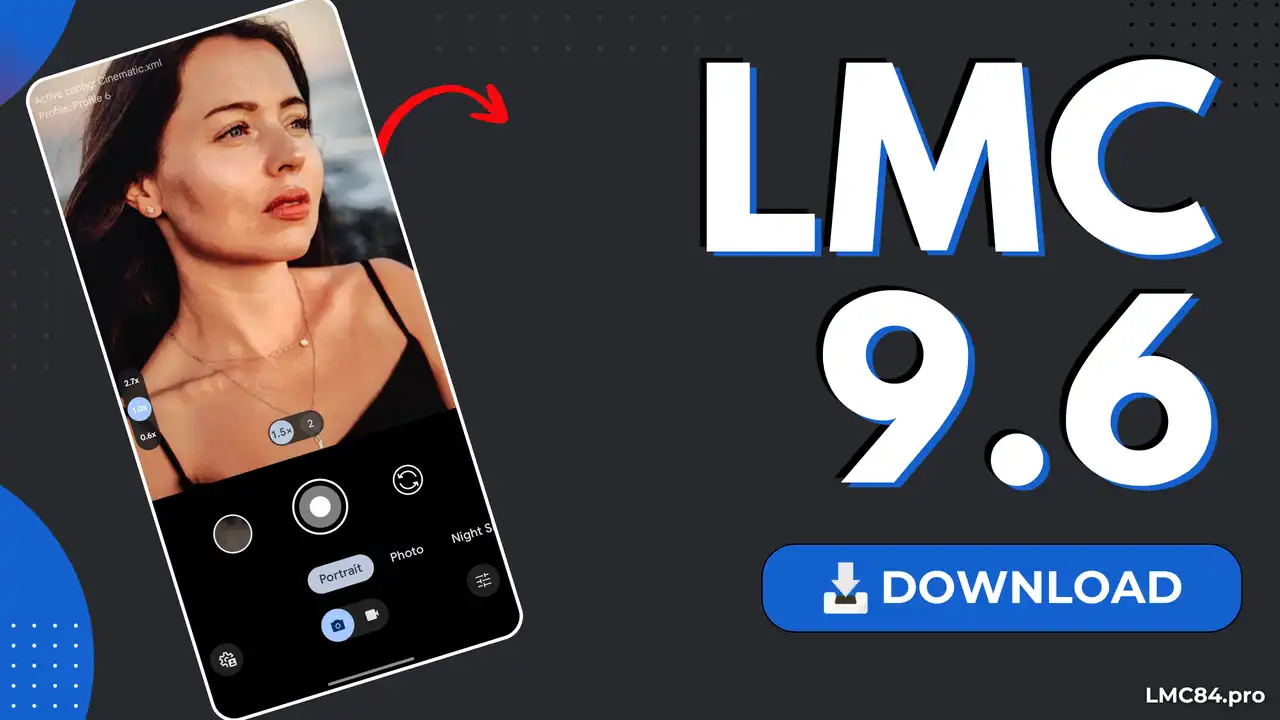
What LMC 9.6?
LMC 9.6 is a robust camera app for intermediate or advanced mobile photographers, offering various camera modes and manual settings that must be configured properly to get the best possible shot. The app relies on computational photography, merging high-resolution hardware with AI to bypass traditional physical limits, fix lighting, sharpen blurry details to level up picture quality, and add extra detail to make the picture look as good as possible.
It takes multiple pictures of a single shot when tapping on the shutter button and adds all of them on top of each other, and merges them to boost the photo resolution and fine-tune details. This LMC 9.6 app is more stable and compatible with most of the Android smartphones, such as Samsung, LG, Xiaomi, Sony, Poco, Vivo, and many more. The GCam does not require any hardware modifications; rather, it turns the photos more enhanced using certain tools and AI.
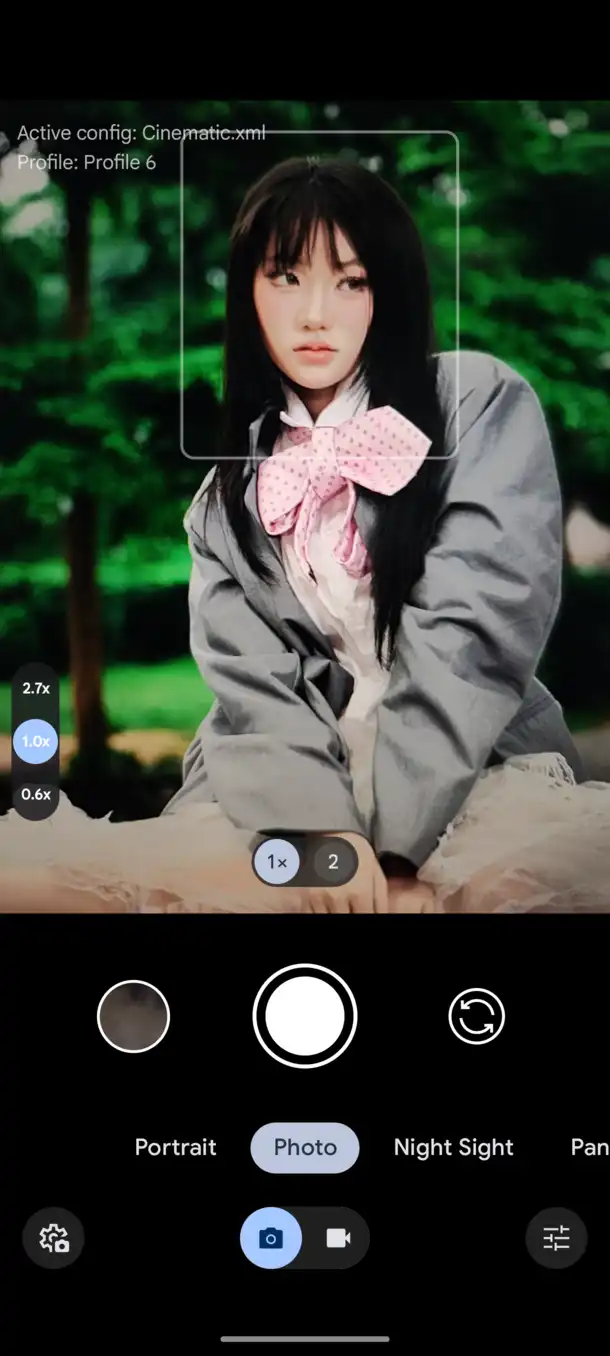
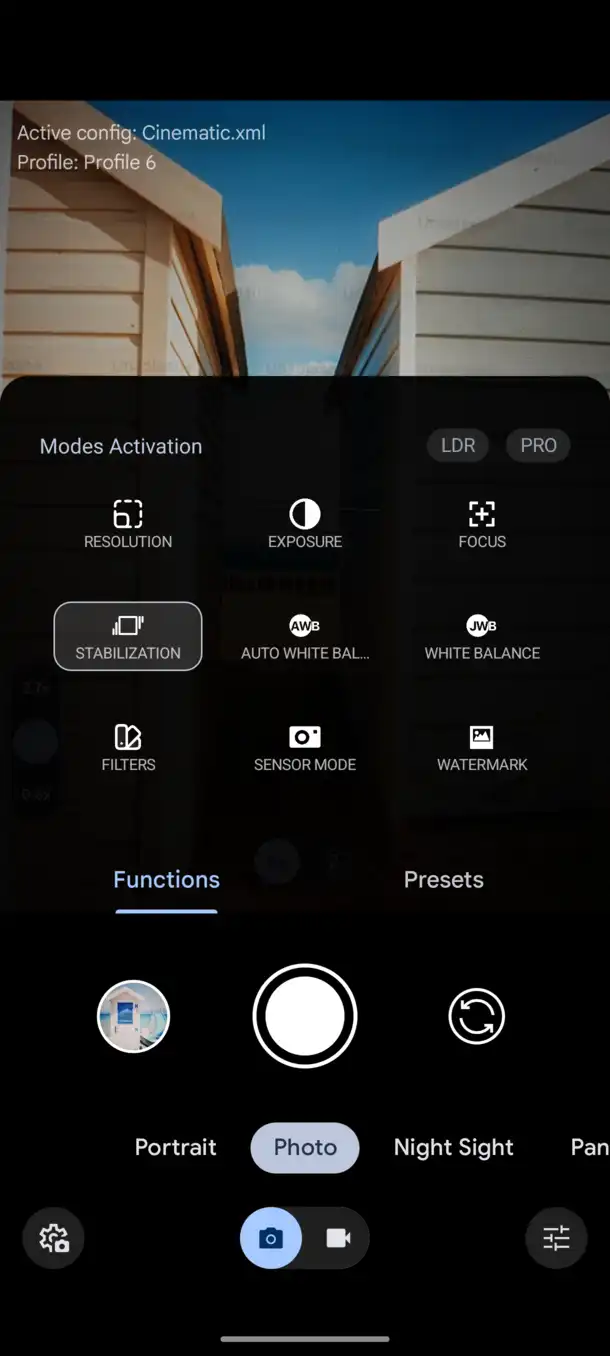
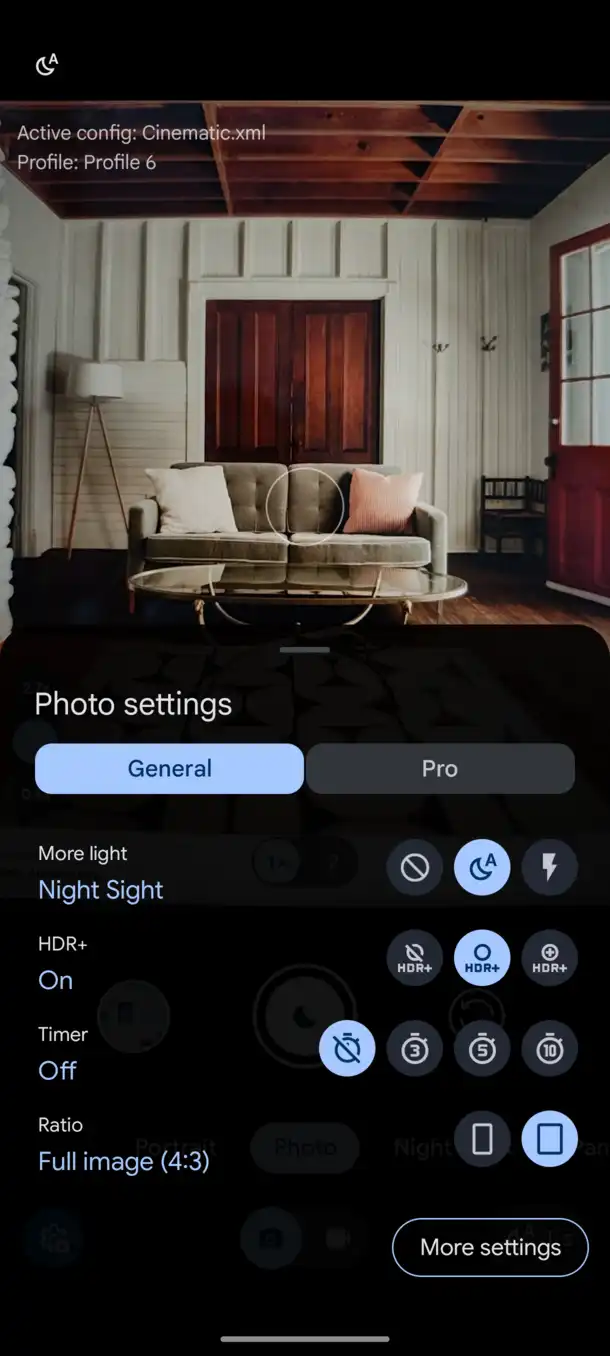
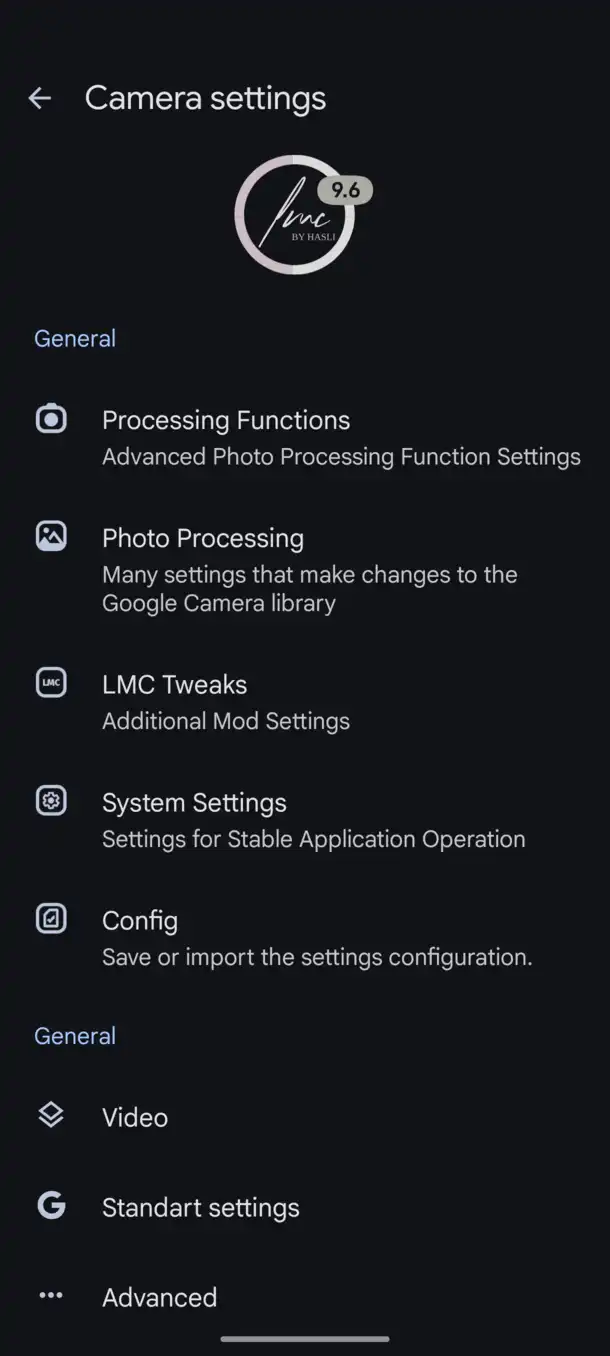
Features LMC 9.6
HDR+ Enhanced
This feature is dynamic in a way that it captures 5-15 frames in the blink of an eye and pieces them together. Meanwhile, the built-in photo processing function merges all of them to enhance details, fine-tune the exposure level, make the image look more vibrant without compromising any details, and recreate the taken picture into a high-quality image.
Night Sight Mode
This feature allows the user to control the amount of light and the darkness absorbed within the camera lens. The mode allows the user to take photos at night, by automatically adjusting the brightness and taking a distinct photo without sacrificing any details. Basically, it optimizes white balance, ISO, and shutter speed while merging multiple frames to capture sharper, more detailed photos in low light. Since Night Sight takes a few seconds to process, keep your phone steady after pressing the shutter button to avoid blurry or shaky images.
Noise Model
LMC 8.4 port arrives with the advanced ‘Noise Modeler’ feature that reduces graininess and digital noise that often appear when taking photos in low-light situations. Most people usualy thinks incresing ISO will fix it, but that eventually worsens the situation as it triggers more noise. The best way to deal with it is using the Noise Model tool within the LMC 9.6 app that wipes out almost 99% of the noise from the picture, which also makes the image look clearer and sharper.
Super Res Zoom
Super Res Zoom is an advanced smart zooming feature that allows users to zoom up to 100X and get a much clearer picture. The app captures a burst of frames, utilizes the slight natural hand movement to take shots at different angles, and layers them together to reconstruct extra details, fill in missing colors, remove noise, add sharpness, and deliver better-looking photos.
Capture RAW Image
Many pro photographers like RAW pictures because they bypassed teh built photo processing, allowing users to capture a bland but highly detailed picture that gives users more freedom to enhance the picture later on using editing tools to adjust white balance, exposure, and dynamic range without losing quality.
Astrophotography Mode
This is the most interesting feature of all. In Astrophotography mode, the LMC 9.6 app observes the weather, the magnitude of darkness and light in the sky, and finally focuses on the nighttime sky lit up by stars, constellations, and many more, creating a mesmerising starry sky image.
Easy to Use Interface
LMC 9.6 interface blends seamlessly with Android and offers a wide range of professional camera tools for capturing and editing photos. It requires several permissions to access these features, and some may not be supported on every device. Despite its advanced capabilities, the UI remains simple and easy to use without overwhelming users with complicated options.
Download LMC 9.6 APK (Latest Version 2026)
| App Name | LMC 9.6 |
| Version | V9.6 |
| Size | 294 MB |
| Developer | Hasli |
| Requires | Android 10 or up |
| Last Updated | 1 day ago |
How to Download and Install LMC 9.6 APK?
The LMC 9.6 app has enabled people to turn their Android cameras into an elite-level photography tool. Downloading this app is pretty easy on any Android device, so follow the given steps carefully.
Step 1: There are various versions of LMC 9.6 mentioned above, so choose the most compatible or suitable version for your device and tap on the “Download” button next to it to download the app.
Step 2: Open the Settings and go to the Security section. After that, scroll down a bit and make sure the “Unknown Sources” option is enabled.
Step 3: Go to the Files app and open the Download folder, then locate the LMC 9.6 APK file that you have just downlaoded.
Step 4: Click on the LMC 9.6 APK file and tap on the Install button that shows up on the screen to install it.
Step 5: Now, you can see the LMC 9.6 app icon inside the app drawer, so click on it to launch the app. Since it is a camera app, various permissions are required for its function, so make sure you allow them to make it work seamlessly on your device.
Download LMC 9.6 Config Files
Some LMC 9.6 Config Files are available here, so tap on the Download button to get the config file, but you have to manually set them up to use within the camera app, so follow the given instructions to set up the LMC 9.6 config file on your device.
- Launch the LMC 9.6 app and swipe up and down in the viewfinder.
- Some options may show up on the top bar, so click on the “Save” option.
- Enter any name in the field and click on the “Save” button.
- Open the Files app and go to the internal Storage, then tap on the “LMC” folder
- Click on the 9.6 folder inside the LMC folder and then copy or move all the downloaded config files here.
- Go back and launch the LMC 9.6 app, then swipe from left to down again.
- This app selects the “Load” option, and it shows you the installed config files.
- Select the preferred Config file and click on the Ok button to apply that config file.
Conclusion
A vast range of pro photographers prefer using LMC 9.6 app because its manual controls give users freedom to make adjust based on tehir taste of photography insted of relying on automatic controls, the app has so many manual adjustments toggles and settings to adjust sharpness, white balance, focal length, add noise modeler, and adjust color correction to completely chnage how the image look in the picture and make it more enhanced and highly detailed that has perfect blend of realism as it look realstic with a a certain level of enhanced detailing.
